
How to Log In Character AI (Updated Login Guide 2025)
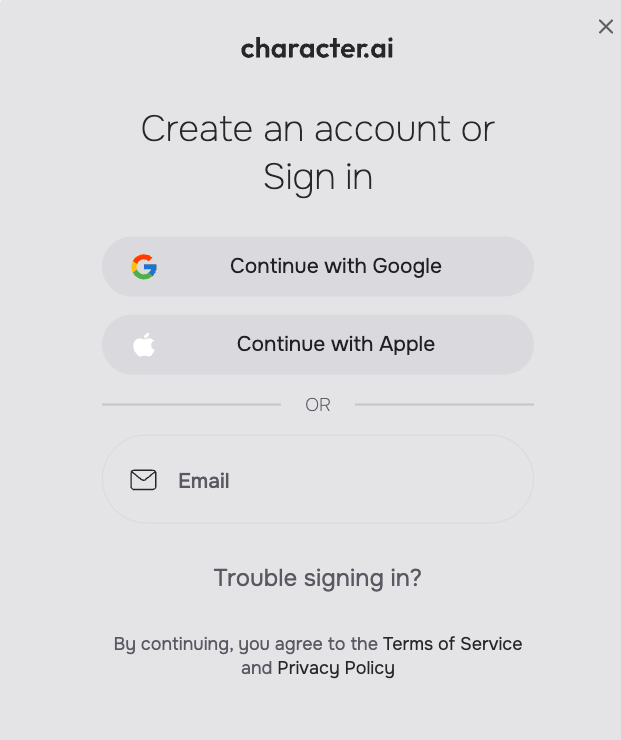
If you’re trying to sign in to Character AI but can’t find your old login option, you’re not alone. The platform recently updated its log in process, and it has changed the old sign-in methods, like Discord, Facebook, and password-based sign-ins. Now, you’ll have to log in using Google, Apple, or a verified email link.
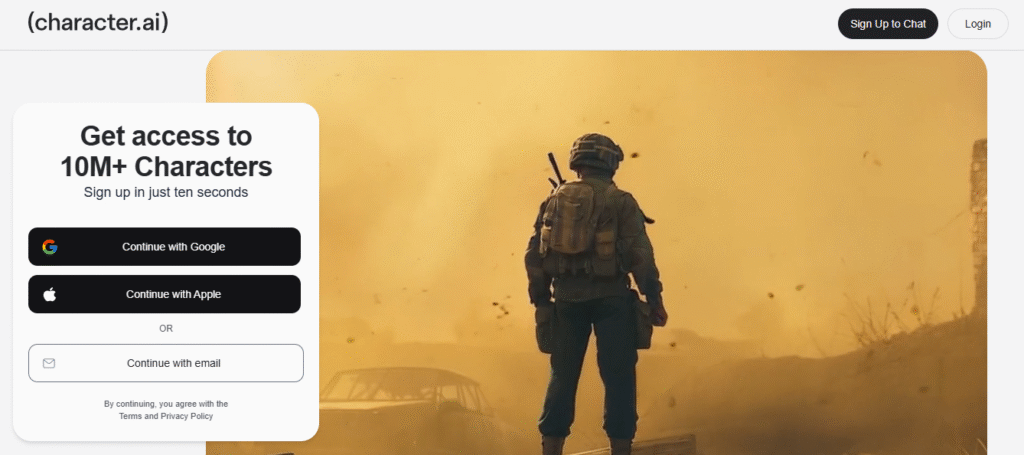
This guide will show you how to log in to Character AI from your phone or computer, explain the new login system, and help you solve any problems you might face while signing in.
Log In to Character AI
Character AI has officially discontinued the older sign-in options, such as Discord, Facebook, and traditional email-password login. Users must now access their accounts through Google, Apple, or a verified email.
If your account was originally linked to Discord, Facebook, or a static password, you’ll need to migrate or use the new login methods.
Step-by-Step Login Guide
Here’s how to log in now, both on web and mobile.
On Web (Browser)
- Open your browser and go to character.ai.
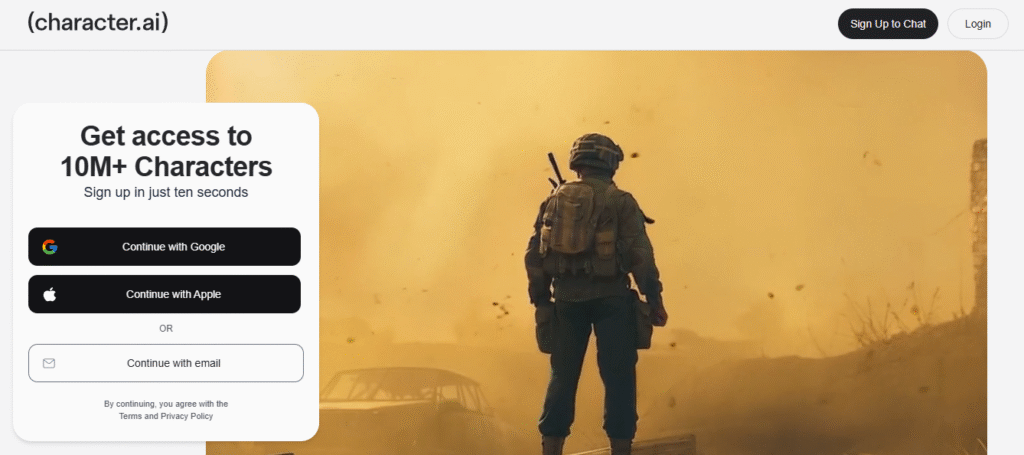
- Click “Sign In” (top right).
- You’ll see the new login options:
- Continue with Google
- Continue with Apple
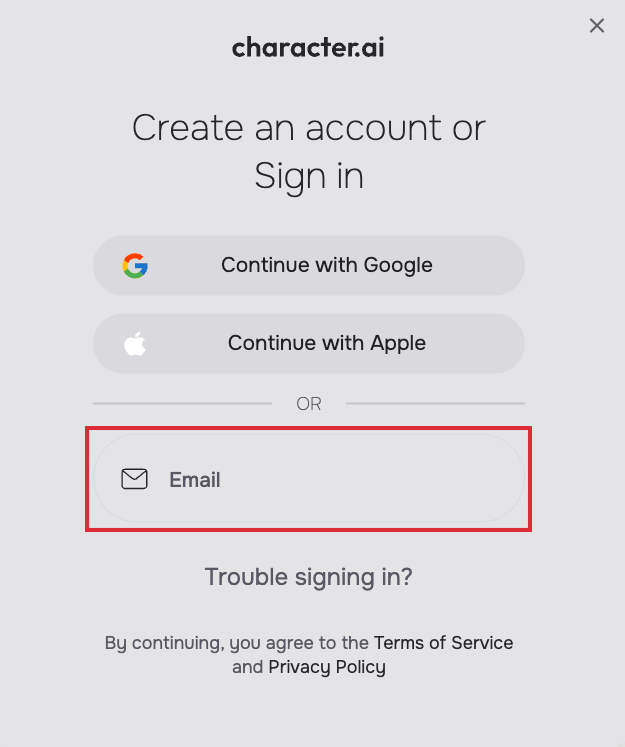
- Email login/verification link
- If you choose Email sign-in /verification, enter your email address (the one linked to your account).
- You’ll get an email verification link; click it to authenticate.
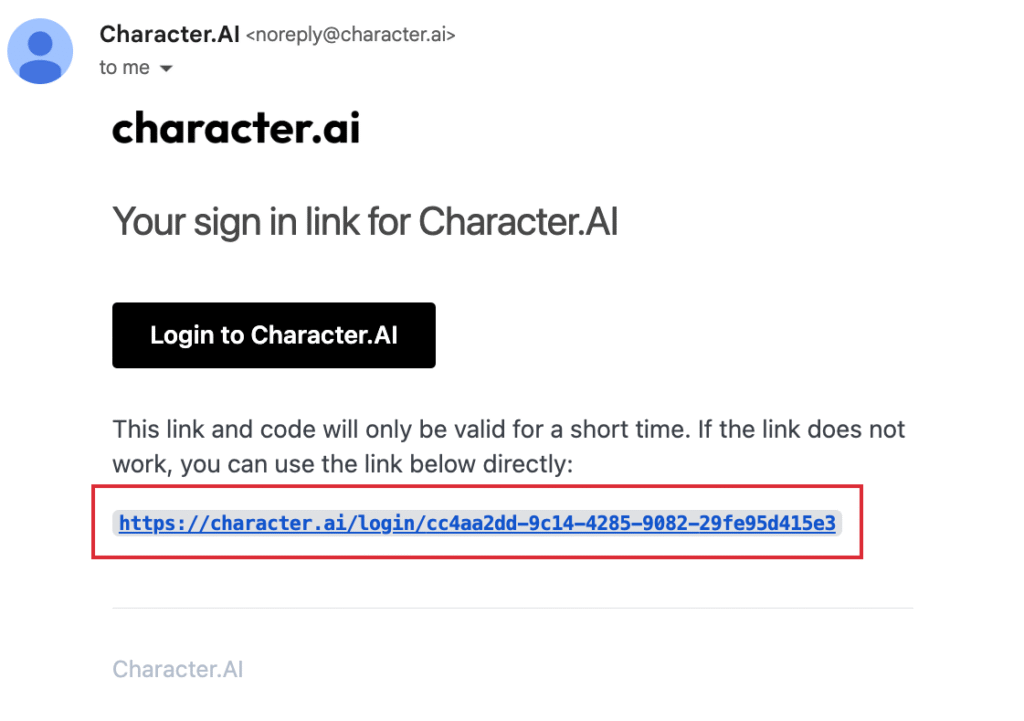
- Once verified, you’ll be logged in and can start interacting with characters.
How do I log in via the Mobile App (iOS / Android)
The login steps on mobile are pretty much the same as the website:
- Install the Character AI app (if not already).
- Launch it, tap “Sign In”.
- Choose one of the login options (Google, Apple, or email).
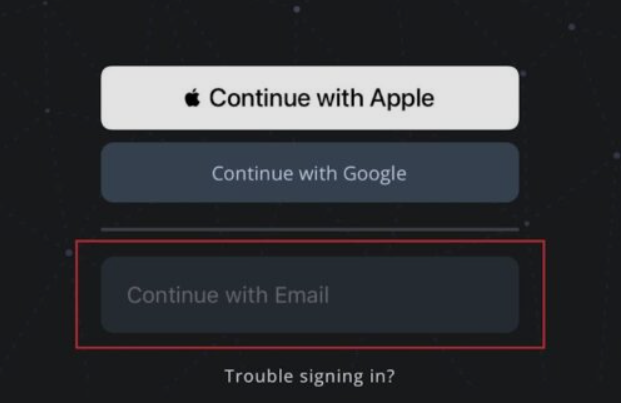
- If you select email, you’ll get a verification email. Tap on the link to confirm.
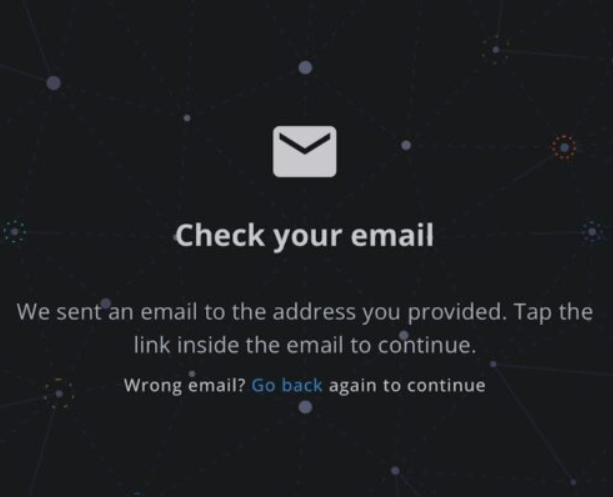
- Once verified, the app will automatically log you into your account..
What If You Can’t Log In? Troubleshooting Tips
Even with the new system, things can go wrong. Here are common issues and fixes.
1. Not Receiving the Verification Email
- Double-check that you typed the correct email.
- Check your Spam / Junk / Promotions folders.
- Sometimes email delivery is delayed; wait a few minutes.
- If it is still not working, then you can contact the support team.
2. Internet / Server Issues
- Make sure your internet connection is stable.
- The Character AI servers might be down or under maintenance. (Users report “error” or “site down” sometimes.)
3. Browser / Device Problems
- Sometimes the website doesn’t open due to a browser problem, so try checking it with a different browser (Chrome, Firefox, Edge).
- If it still does not work out, then clear your browser’s cache and cookies and try it again.
- On your phone, open the app settings and clear the cache or data for Character AI.
- If all these methods don’t work, then lastly uninstall and reinstall the app to refresh all files and settings.
4. Account Migration / Legacy Issues
- If your account was created via Discord or Facebook, you may need to migrate or link a valid email. Many users report that their “old login” is no longer accepted.
- Some users see an option to “add a new email” when trying to use legacy login.
- If your chats, personas, or content appear missing, don’t panic; in many cases, the data is still there behind the account. But you may need to contact with support team and explain the sign-in change.
5. When All Else Fails — Contact Support
If none of the above works:
- Visit the Character.AI Support Page and submit a ticket under the “Login & Sign-In” category.
- Provide all necessary details: email you used, the sign-in method you’re trying, what errors you see, screenshots if possible.
- Wait for a response from the support team.
Tips & Best Practices
- Always use an email address you control and regularly check your spam or promotions folders to avoid missing verification links.
- Once you’re in, open Settings → Linked Accounts and confirm your email is connected. Some users reported having to set a new email manually.
- If you switch between devices (web, mobile), always use the same sign-in method (Google / Apple/email).
- Keep your app updated; outdated versions can cause login problems
Conclusion
Logging in to Character AI has become simpler, but more secure with the new system. Since the platform removed older sign-in methods like Discord and Facebook, users can now access their accounts only through Google, Apple, or email verification.
If you’re unable to log in to Character AI, verify your email (including spam/junk), update the app to the latest version, and clear your browser cache. For unresolved issues, contact Character AI Support directly. After logging in successfully, you can continue chatting with your favorite AI characters, create your own, and enjoy uninterrupted conversations.